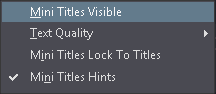
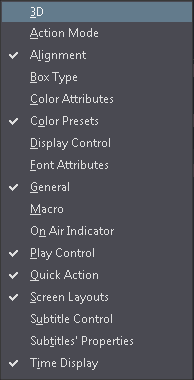
Contains commands used to control the visibility of different components of the GUI, their parameters and options. All the Toolbars are listed in a submenu.
Display available Screen Layouts to choose from. The GUI will switch to the selected one.
Show audio timeline in the editor window. Each opened file can have its own audio timeline, in addition to the global one. You can use the individual timelines to visually compare subtitle's timelines of multiple files.
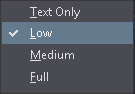
Choose the text quality used to render text in the editor. When Text Only is selected the color attributes will not be shown but the theme colors will be used instead for the text rendering.